You've decided to do it. To clip your streams for real this time. Good news. Bad news, you type "twitch clip software" and you land in front of thirty options all promising the same thing.
This article sorts it out. Not a list of thirty names, but the three big families of tools, their strengths, their limits, and how to pick based on your profile.
There are three families of tools
Before comparing names, get this: there are three big ways to clip. Each one fits a different need.
- The Clip button built into Twitch.
- Manual video editors.
- Automatic AI clippers.
Let's take them one by one.
1. The Twitch Clip button
It's free and it's already in Twitch. During or after your stream, you create a clip of 60 seconds max.
What it does well: it's fast, no install, perfect for sharing a moment quickly in your Discord or on Twitter.
What it doesn't do: the clip stays horizontal, so it's useless as is on TikTok. No captions, no vertical crop, no hook. It's a starting point, not a publishing tool.
For who: to share a moment with your buddies, yes. To grow your channel on TikTok, no.
2. Manual video editors
We're talking CapCut, DaVinci Resolve, Premiere and the rest. You do everything yourself.
What it does well: you control absolutely everything. If you have the eye and the time, you can pump out gorgeous clips. CapCut in particular is free and packed with features.
What it doesn't do: it doesn't do anything for you. You spot the moment, you cut, you crop, you caption, you export. Count 30 to 60 minutes per clip at the start. Long term, it's the classic trap. You hold on for two weeks, then you quit.
For who: streamers who genuinely love editing and treat it as a passion, or who only post a clip once in a while.
3. Automatic AI clippers
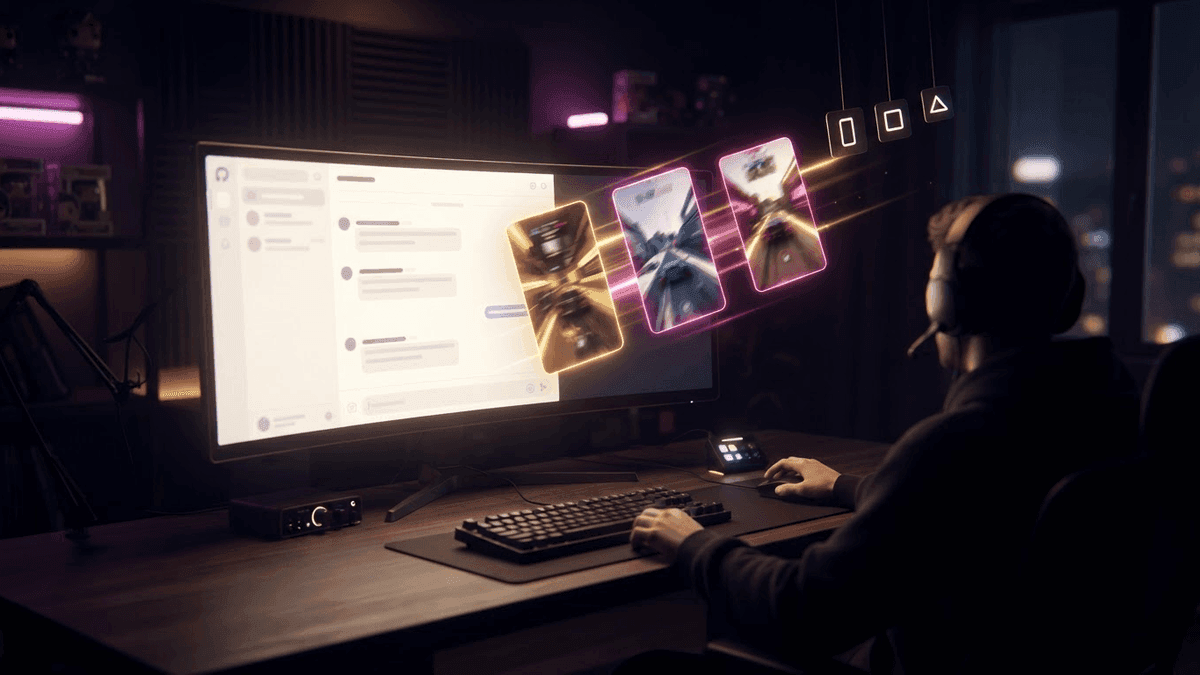
Here, you drop the link to your VOD and the tool sorts it all out. It spots the hype moments, crops to vertical, adds captions and a hook, and hands you finished clips.
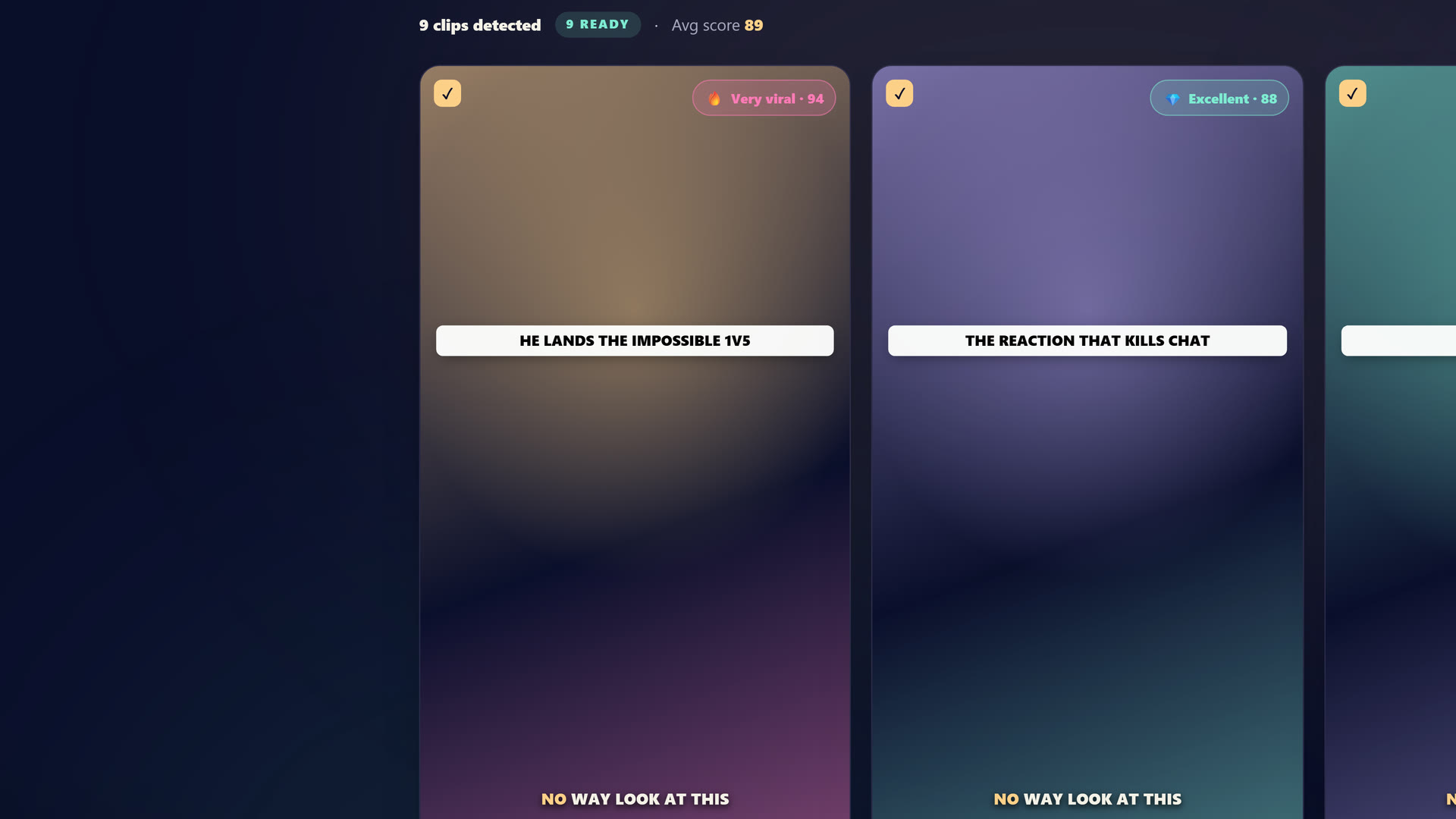 Inside StreamClipping: drop your Twitch, YouTube or Kick VOD, the AI spots the moments and cuts them into ready-to-post 9:16 clips.
What it does well: it turns hours of work into a few minutes of validation. You go from zero clips a week to several a day, without burning your evenings.
What it doesn't always do well: not all AI clippers are equal. Many are built for US face-cam podcasts, not for gaming and streaming. The hooks sometimes sound generic, and the moment selection is sometimes off.
For who: any streamer who wants consistency without sacrificing their time. It's the family that blew up in 2026, and that's where you'll find StreamClipping AI.
Want these clips in your life?
StreamClipping turns your streams into vertical clips ready to post, animated captions included. Free plan for life, 15 minutes of video a month, no card.
How to pick based on your profile
Ask yourself three honest questions.
How much time can you give to editing each week? If the answer is "not much," a manual editor isn't for you, no matter how powerful it is.
What volume do you want to publish? One clip a week, a manual editor is enough. Several a day, you need automatic.
What kind of content do you make? If it's gaming or IRL, pick a tool built for that, not a tool built for podcasts.
Bottom line: the Twitch button for quick fixes, the manual editor if you love editing, the AI clipper if you want consistency without losing your life to it.
The questions to ask before paying
Before you pull out the card, check five things:
- Is there a real free plan to test on your own VODs?
- Are captions automatic and properly synced?
- Does the crop track your facecam on its own?
- Can you publish to TikTok, Shorts and Reels straight from the tool?
- Does the tool actually understand your language?
If a tool ticks all of that, you're good. If it misses half, move on.
The free trap
A word on free. Totally free and unlimited, that doesn't really exist. Either you pay with your time, that's manual editors. Or the tool slaps a huge watermark on your clips, which looks amateur and gives them free advertising on your back.
The sweet spot is a tool with a real free plan, limited but generous enough to test for real, without a huge watermark that wrecks the frame and screams amateur. You judge the quality on your own streams, and you pay only if it fits.
In short
Three families. The Twitch button for quick fixes. The manual editor if you love to edit. The AI clipper if you want consistency without sacrificing your nights.
If you're starting out and you just want it to work, begin with an AI clipper built for streamers. StreamClipping AI gives you 15 minutes of video free per month for life, no credit card. You test it on your streams, you judge for yourself.
Also worth reading to go further:
- How to Clip a Twitch Stream: the A to Z Method
- How to Turn 1 Twitch Stream into 30 Viral Clips
- 15 AI Tools Every Streamer Uses in 2026
Made with love, by a streamer for stream lovers. Ragnarlebroc.