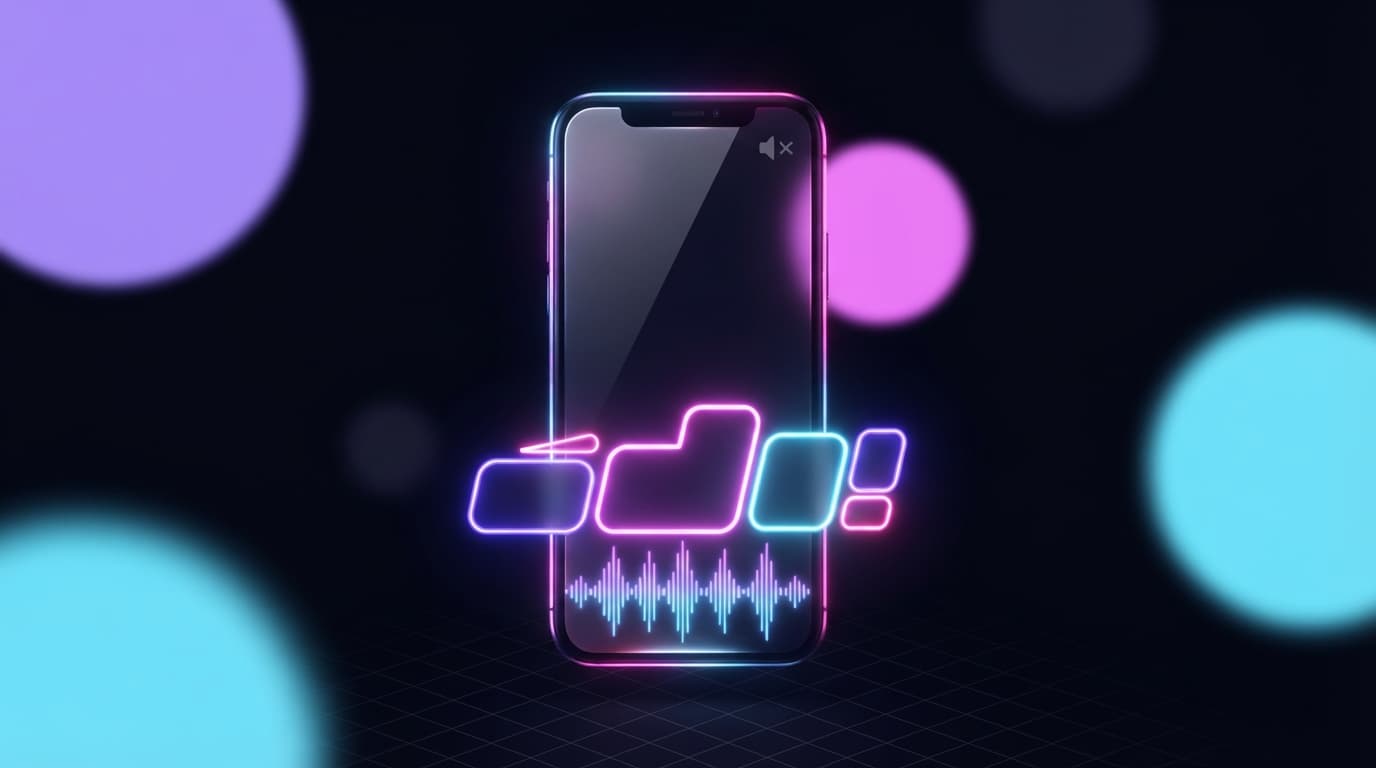
Grab your phone, open TikTok, and watch yourself. You're watching without sound, right? On the bus, in bed, in class, sound off. You're not the exception.
The huge majority of people watch short videos in silence, at least for the first few seconds. That means one simple thing. Without captions, your clip is silent for half your audience. This article breaks down why animated captions are now a must, and how to nail them.
Sound off is the norm, not the exception
For a long time, we thought watching without sound was a niche behavior. It's the opposite. It's now the default.
People open TikTok in moments where turning the sound on is impossible or awkward. The subway, the waiting room, the couch next to someone sleeping, the boring class. They turn the sound on only if the first three seconds give them a real reason to.
So your clip has to work in silence. Not "also" in silence. First in silence.
Without captions, you lose people in 2 seconds
Picture your best stream moment. A perfect punchline. Now picture it with no sound. All that's left is a person moving their lips. No reason to stick around.
With captions, that same punchline gets read. The person gets it, smiles, stays. And the longer they stay, the more the algorithm sees your clip as good, the more it pushes it.
Captions aren't a final cosmetic touch. They're what keeps people around long enough for your clip to even have a shot.
What a good caption looks like in 2026
Not all captions are equal. The classic small two-line block at the bottom of the screen is the bare minimum, and it doesn't cut it anymore.
The standard today is the animated caption. Specifically:
- big and easy to read, not some shy little text
- shown word by word, or in groups of two or three words
- perfectly synced with your voice, the word appears when you say it
- placed in the center or slightly above, where the eye looks
- with an outline or a background that makes it readable on any image
The goal: the eye follows the text effortlessly, in rhythm with what you say. It keeps the viewer hooked even with no sound.
Want these clips in your life?
StreamClipping turns your streams into vertical clips ready to post, animated captions included. Free plan for life, 15 minutes of video a month, no card.
The captioning mistakes that make people bounce
The wall of text
Three lines of text shown all at once, nobody reads that. The brain gives up. One or two words at a time, that's it.
Text that's too small
Your clip is watched on a phone screen, sometimes held far away. If you're unsure about the size, go bigger.
Bad timing
A caption late or early on the voice creates discomfort. The viewer feels it without knowing why, and they bounce.
Caption unreadable on the image
White text on a light background just disappears. Always an outline or a background to guarantee readability, no matter what game is behind.
By hand or automatic
By hand, captioning a clip is the longest task in the whole edit. You have to transcribe what you said, split word by word, sync each appearance with your voice, style it. Easily 15 to 20 minutes per clip, just for the captions.
Automatic, the tool transcribes your voice on its own, splits, syncs and animates. You get clean captions in seconds, and all you have to do is check them.
That's exactly what StreamClipping AI does on every clip. Transcription, word-by-word splitting, animation synced to your voice, several styles to pick from. You don't have to tweak anything.
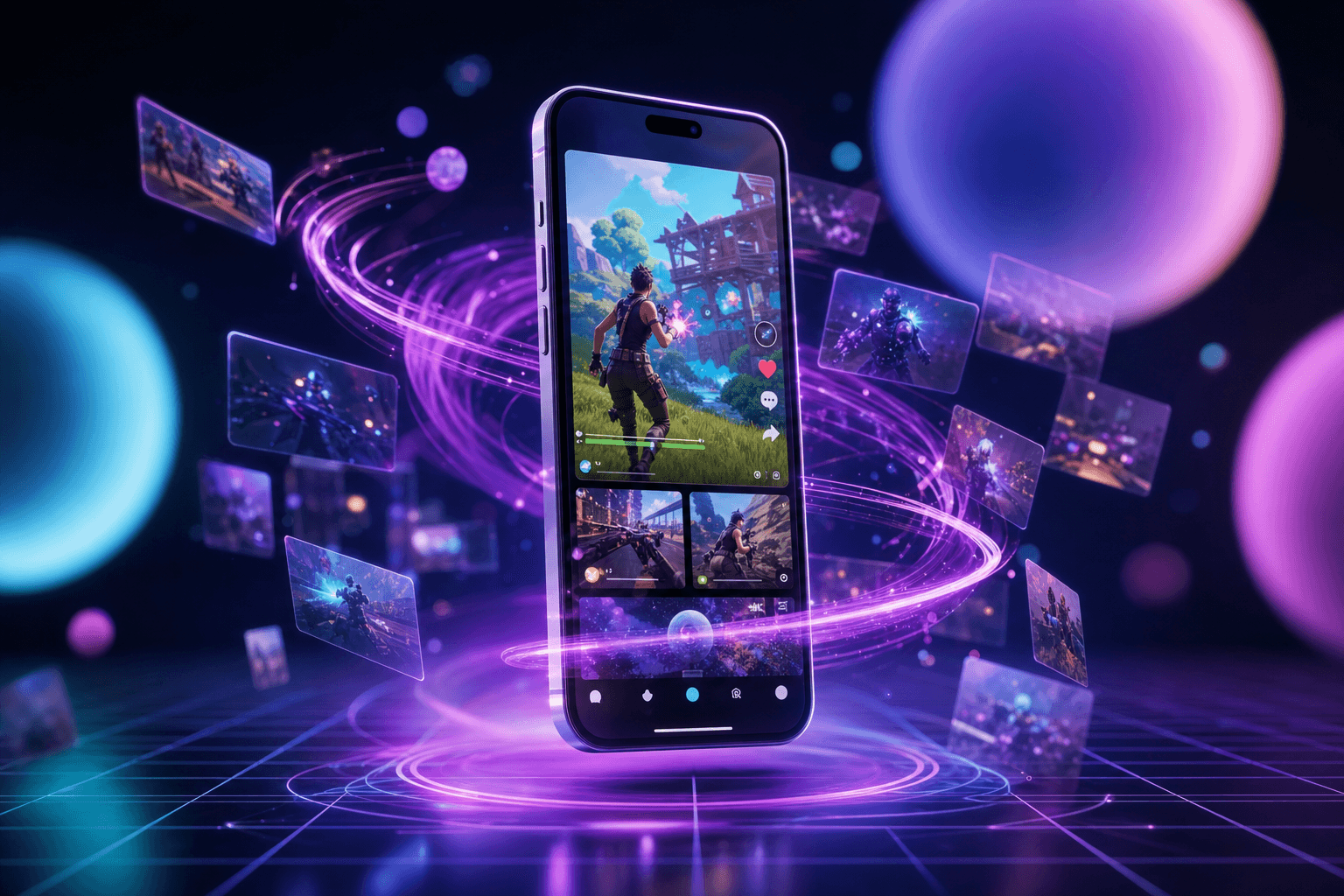
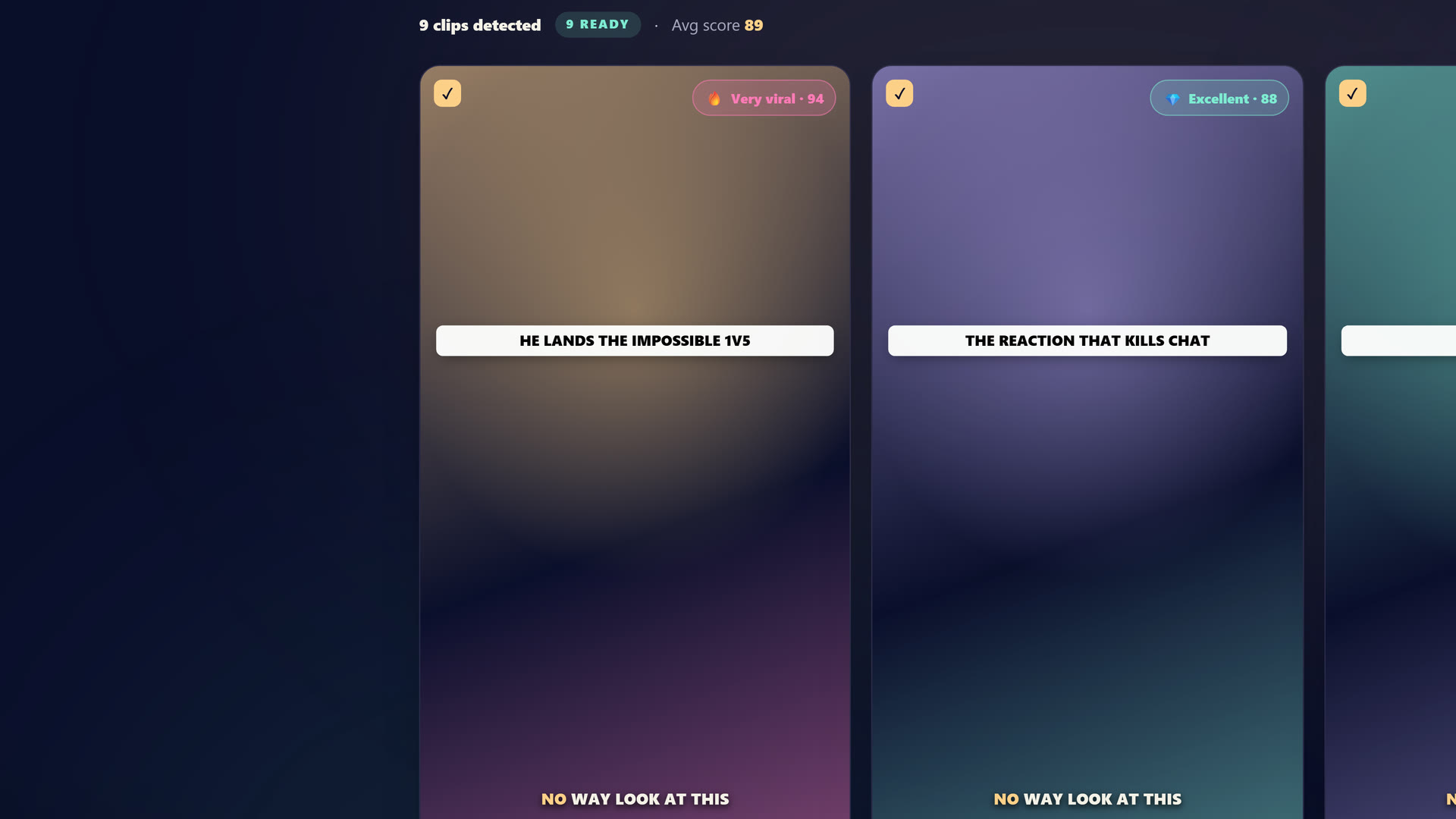 Inside StreamClipping: drop your VOD and the AI cuts it into 9:16 clips with word-by-word captions synced to your voice.
Wrap up
Animated captions aren't a nice-to-have. They're what makes your clip understandable for the silent majority, and therefore what makes it capable of breaking through.
Big, word by word, well synced, readable on any image. Do it by hand if you have the time, or let a tool generate them for you and save your energy for your lives.
StreamClipping AI lets you try this for free, 15 minutes of video per month for life, no credit card.
Also worth reading to go further:
- Why your Twitch clips don't blow up on TikTok: 7 reasons
- 12 TikTok hooks that slap in 2026
- How to clip a Twitch stream: the full A to Z method
Made with love, by a streamer for stream lovers. Ragnarlebroc.