
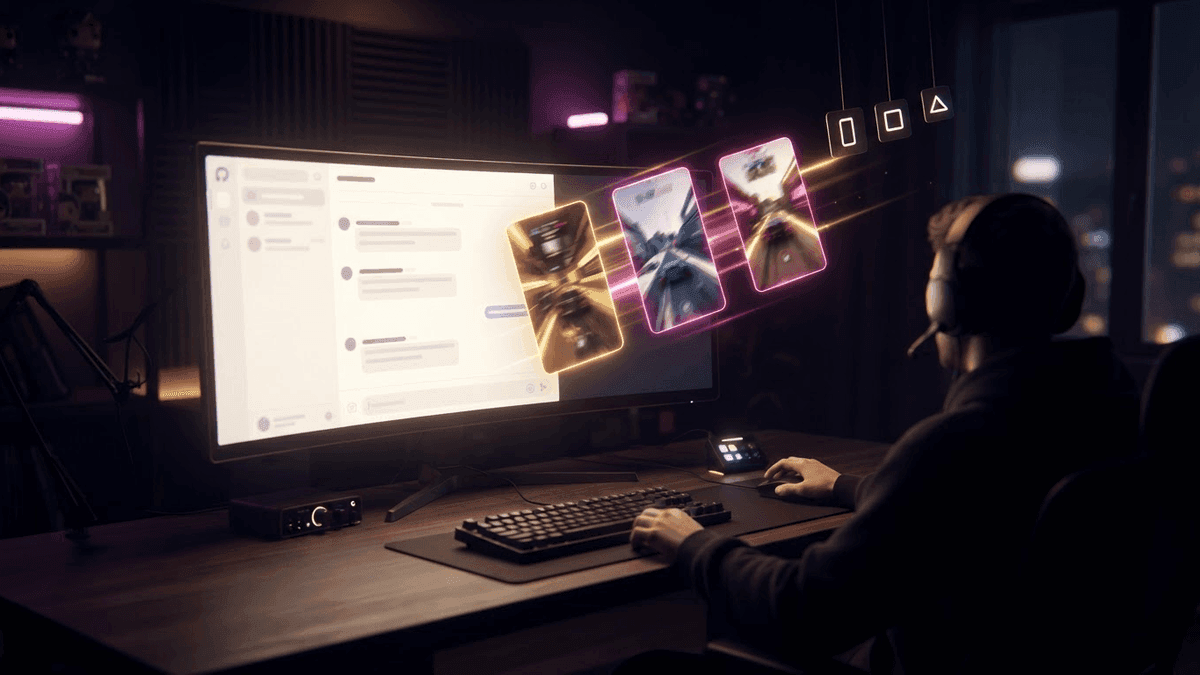
A four hour stream gives you six decent clips. The useful work to get them out takes five minutes. The rest is babysitting.
You paste the URL, you wait for the prep. You come back to start processing, you wait again. You approve the detected moments, you wait for the render. You sort, then you schedule account by account. Ten round trips for an hour of your time, most of it spent watching a progress bar.
Starting today you can write one sentence instead.
What changes
StreamClipping now ships an MCP server. In plain terms: your AI assistant can act on your account, not just talk about it. It imports your replay, it knows how long to wait before coming back, it approves, it ranks by score and it schedules.
Three requests that work today:
Clip my last Twitch stream and tell me when it's done.
Show me my 5 best clips this month and schedule the top 3 on YouTube this week.
How many minutes do I have left, and is that enough for both VODs this weekend?
Your assistant sees your projects, your clips with their viral potential score, your connected accounts, your remaining minutes and your publishing stats. Seventeen actions in total.
Want these clips in your life?
StreamClipping turns your streams into vertical clips ready to post, animated captions included. Free plan for life, 15 minutes of video a month, no card.
How it is built
The server reimplements nothing. It replays the exact same jobs as the site.
That sounds like a technical detail. It is the most important decision in the project. It means your quotas apply the same way, your plan limits apply the same way, and a clip produced by Claude is identical to one you made by hand. No second path quietly drifting from the first over the months.
It is also why opening it on every plan costs me nothing. A free account with fifteen minutes a month stays at fifteen minutes a month, whether it goes through the site or through an assistant.
What we locked, on purpose
Your key can clip and publish. It cannot pay, cancel or delete your account. Those routes need a real browser session.
The reason is simple: if a key ever leaks, it must not be able to wipe the account, because wiping the account would also wipe the only way to revoke that key.
TikTok stays manual. The platform requires a consent screen on every post, where you pick the privacy setting and the interaction options yourself. An assistant cannot stand in for you there, and we are not going to work around it. The tool sends you back to the app to finish in two clicks.
Finally, a cap of twenty jobs per hour protects your minutes. An assistant stuck in a loop happens, and it should not be paid for out of your quota.
Where we are
One thousand and fifty three hours of stream have gone through the pipeline so far. Three thousand three hundred and eighty five clips came out of it, three thousand seven hundred and forty seven posts went live.
The assistant server is open starting today, on every plan.
Getting started
In the app, Settings then Integrations. Create a key, copy it, paste the configuration block matching your tool. Two minutes.
The full guide is here, with the steps for claude.ai, ChatGPT, Cursor, VS Code, Claude Code, Codex, the Anthropic API and the OpenAI one.
Every new article in your inbox, zero bullshit.
One email when an article drops, never more than one every two days. Viral techniques, AI tools worth using, TikTok formats that work. No spam, no aggressive pitch.