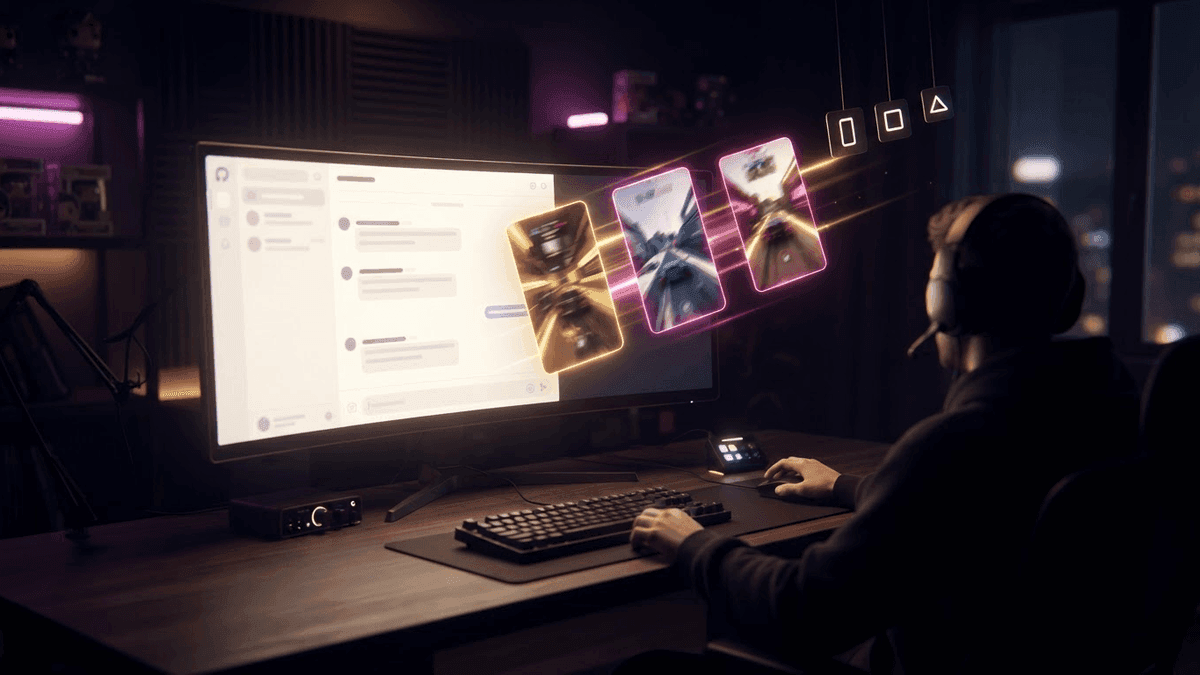

Você tá pensando se deveria fazer live na Twitch, no YouTube e na Kick ao mesmo tempo? Muito streamer se pergunta isso, principalmente quando vê o público estagnado numa plataforma só. A resposta honesta: depende. Do seu nível, dos seus objetivos e do que você tá disposto a encarar. Bora destrinchar tudo juntos.
O que é multistream, exatamente?
Multistream é transmitir sua live ao vivo em várias plataformas no mesmo momento. Você joga uma vez só, mas o seu sinal de vídeo vai ao mesmo tempo pra Twitch, YouTube Live e Kick, por exemplo. Os viewers de cada plataforma te veem em tempo real, cada um no seu canto.
Tecnicamente, você não precisa de três computadores nem de três conexões. Ferramentas como Restream ou Streamlabs deixam você retransmitir o sinal pra vários destinos a partir de uma configuração só. A gente vê isso com mais detalhe na próxima seção.
O que muita gente esquece é que cuidar de três chats ao mesmo tempo é outra história. Você vai ver chegando mensagem dos seus viewers da Twitch, dos seus inscritos do YouTube e de gente nova da Kick, tudo junto. É animado, mas pode ficar impossível de administrar rapidinho se você estiver sozinho.
O que o multistream pode te trazer
Mais visibilidade, em potencial
A vantagem mais óbvia é a exposição. Se você faz live só na Twitch, você não existe pra quem assiste YouTube Live ou Kick. Estando nas três, você multiplica suas chances de ser descoberto.
Vamos a um exemplo concreto. Imagina que você tem 50 viewers em média na Twitch. No YouTube, o algoritmo às vezes recomenda lives pra quem assiste vídeos parecidos. Você poderia pegar 10 a 20 pessoas a mais que nunca te achariam de outro jeito. Na Kick, a plataforma ainda é nova e menos saturada, então mesmo com poucos viewers você pode aparecer bem posicionado nas categorias.
Diversificar a renda
Cada plataforma tem seu próprio sistema de monetização. A Twitch tem as inscrições e os bits. O YouTube tem Super Chats, membros e receita de anúncios nas VODs. A Kick oferece uma divisão de receita de anúncios bem generosa pros streamers.
Se você atrai público em cada uma, dá pra potencialmente somar renda de três fontes diferentes. Isso traz segurança, principalmente se uma plataforma mudar as regras do dia pra noite, o que acontece.
Uma rede de segurança em caso de ban ou queda
A Twitch caiu várias vezes nos últimos anos. A Kick teve problemas técnicos no começo. Se você tá numa plataforma só e ela dá pau, sua live morreu naquela noite. Com o multistream, você sempre tem uma alternativa no ar.
Mesma coisa com ban. Ban na Twitch pode rolar por motivos às vezes nebulosos. Se sua conta da Twitch for suspensa e você já tiver público no YouTube ou na Kick, você não volta pro zero.
O que isso custa de verdade
O custo em energia e atenção
É aqui que muito streamer subestima a dificuldade. Tocar uma live já é puxado. Jogar, falar, ler o chat, reagir, rir... é um trabalho de verdade. Agora imagina cuidar de três chats ao mesmo tempo.
As perguntas chegam de todo lado. Um viewer da Twitch pergunta do seu setup. Um viewer da Kick diz que não tá te ouvindo. Um viewer do YouTube quer saber por que você tá jogando esse jogo. Se você tentar ler tudo e responder tudo, vai perder o fio da sua própria live rapidinho.
A solução é usar um agregador de chat que junta as mensagens de todas as plataformas numa janela só. O Restream Chat, por exemplo, faz isso muito bem. Mas mesmo com essa ferramenta, é mais barulho pra gerenciar.
O custo financeiro das ferramentas
Existem ferramentas gratuitas de multistream, mas elas têm limitações. O Restream na versão grátis deixa você fazer live em duas plataformas com marca d'água. Pra tirar a marca d'água e adicionar mais plataformas, tem que partir pra uma assinatura paga, que fica em torno de 16 a 40 euros por mês dependendo do plano.
Não é absurdo, mas se você tá começando e ainda não monetiza, é um custo fixo pra bancar.
O custo em banda
Mandar seu sinal pra três plataformas ao mesmo tempo exige mais velocidade de upload. Se você subia a 6 Mbps só pra Twitch, com um serviço de multistream o sinal vai primeiro pro servidor deles, que cuida de redistribuir. Então você não manda três vezes mais dados, mas ainda precisa de uma conexão estável e rápida o suficiente.
As regras pra conhecer antes de começar
Twitch e a exclusividade dos parceiros
Esse é o ponto mais importante. Se você é Afiliado da Twitch, você pode fazer live em outras plataformas ao mesmo tempo. Não tem restrição oficial pra afiliados.
Agora, se você é Parceiro da Twitch, é outra história. O contrato de parceria tem uma cláusula de exclusividade que te proíbe de fazer live em outras plataformas durante a sua live na Twitch e nas 24 horas seguintes. É uma regra firme. Teve parceiro que perdeu o status por ignorar isso.
Só que a Twitch flexibilizou um pouco as regras nos últimos anos pra deixar os parceiros fazerem live no YouTube e na Kick sob certas condições, principalmente pelo programa "Partner Plus". Sempre confira as condições atuais no site oficial da Twitch, porque isso muda.
YouTube e Kick não têm restrições parecidas
O YouTube não te impõe nenhuma exclusividade. Você pode fazer live no YouTube enquanto tá na Twitch e na Kick sem nenhum problema de contrato. A Kick também não impõe exclusividade, a não ser que você tenha assinado um acordo específico com a plataforma, o que vale principalmente pros streamers grandes recrutados.
Quer esses clips na sua vida?
O StreamClipping transforma suas lives em clips verticais prontos pra postar, com legendas animadas. Plano grátis pra sempre, 15 minutos de vídeo por mês, sem cartão.
Pra quem o multistream faz sentido de verdade?
Se você tá começando, pensa bem
Com menos de 50 viewers em média, o multistream pode parecer tentador. Mas a real é que construir uma comunidade exige foco. Se você espalha sua energia em três plataformas logo de cara, corre o risco de não construir uma comunidade de verdade em lugar nenhum.
O começo costuma ser a fase em que você aprende a cuidar da live, do conteúdo, do seu ritmo. Somar a complexidade do multistream nessa fase é arriscar desanimar rapidinho.
A recomendação honesta pra quem tá começando: escolhe uma plataforma principal, constrói uma base e depois pensa no multistream quando se sentir à vontade.
Se você já tem um público estável
Aí o multistream faz todo sentido. Se você tem uma comunidade que te acompanha e quer expor seu conteúdo pra outros viewers em potencial, é uma boa alavanca. Você pode delegar a moderação dos chats secundários pros seus mods, o que alivia muito a carga.
Se você quer migrar de plataforma aos poucos
Muito streamer usa o multistream como trampolim pra trocar de plataforma sem perder tudo. Você continua fazendo live na Twitch pra manter o público que já tem, e faz live no YouTube também pra começar a existir lá. Quando o YouTube ganha peso, dá pra ir reduzindo sua presença na Twitch aos poucos sem abandonar sua comunidade de uma vez.
Como organizar bem o seu multistream
Se você decidir mergulhar, algumas boas práticas são essenciais.
Primeiro, explica pro seu chat principal que você também tá em outras plataformas. Isso evita confusão quando você responde mensagens que não vêm da Twitch.
Segundo, usa um agregador de chat único. Não fica pulando entre três janelas do navegador.
Terceiro, avisa seus viewers sobre as diferenças entre as plataformas. Na Kick, os emotes são diferentes. No YouTube, não tem bits. Alguns viewers podem ficar perdidos.
Quarto, pensa nos seus clips e no conteúdo pós-live. Quando a live acabar, você pode usar o StreamClipping AI pra extrair automaticamente seus melhores momentos, gerar clips verticais pras redes sociais e adicionar legendas sem ter que fazer tudo na mão. Isso ajuda muito quando você cuida de várias plataformas e não tem tempo de editar tudo.
Quinto, acompanha suas estatísticas plataforma por plataforma. Se uma plataforma não te trouxer nada depois de dois ou três meses, talvez seja melhor focar nas outras duas.
Os erros clássicos pra evitar
Não deixar nenhum chat de lado é impossível quando você joga sozinho. Aceita que você não vai conseguir ler tudo. Os viewers geralmente entendem se você explicar.
Não adaptar seu conteúdo pra cada plataforma também pode te custar viewers. O YouTube valoriza lives com títulos e thumbnails bem feitos. A Twitch valoriza a regularidade e a comunidade. A Kick ainda tá construindo a própria identidade. Ter uma estratégia específica, mesmo pequena, pra cada uma faz uma diferença real.
Por fim, não coloca uma meta irreal logo de cara. O multistream não vai dobrar nem triplicar seus viewers do dia pra noite. É um investimento de longo prazo.
Resumindo
O multistream é uma ferramenta poderosa, não uma varinha mágica. Se você tá começando, foca primeiro numa plataforma só. Se você já tem uma comunidade e quer crescer ou garantir sua renda, o multistream na Twitch, no YouTube e na Kick faz sentido. Sempre confira as regras do seu status na Twitch antes de começar. E se prepara pra lidar com mais barulho no chat.
O StreamClipping AI dá pra testar de graça, com 15 minutos de vídeo por mês pra sempre, sem cartão de crédito.
Leia também pra ir mais longe:
- Twitch vs Kick vs YouTube: qual plataforma escolher pra fazer live?
- Migrar pro YouTube quando a Twitch não basta mais
- Setup do OBS em 2026: o guia completo pra começar bem
Feito com amor, por um streamer pra quem ama stream. Ragnarlebroc.