Você cola o link da sua VOD, espera uns minutos, e saem trinta clips. É isso que qualquer software de clipping com IA promete. O que nenhum te explica é o que acontece no meio do caminho. E é aí que mora a diferença entre uma ferramenta que te entrega aquele clutch da hora 2 e uma que te entrega trinta trechos de você lendo o chat.
Eu construo o StreamClipping AI, um software de clipping com IA pra streamers, e vou te mostrar o que a máquina faz de verdade. Não pra te vender a nossa, mas pra você saber o que conferir na hora de escolher uma.
O que significa clipping com IA
Clipping é cortar os melhores momentos de um vídeo longo em clips curtos e verticais. Clipping com IA é deixar esse corte com um software: ele lê a VOD inteira, dá nota pra cada momento e edita os melhores.
Na prática, um processo de clipping com IA faz cinco coisas em sequência: transcreve, lê os sinais, dá nota, edita e publica. Bora ver uma por uma.
Etapa 1: transcrever
Tudo começa pela transcrição. A IA escuta a VOD inteira e escreve o que é dito, palavra por palavra, com o tempo exato de cada palavra. É isso que permite depois entender do que um momento fala, colocar legendas sincronizadas e achar as frases que disparam alguma coisa.
Dois detalhes contam aqui. O idioma: um motor treinado principalmente em inglês americano faz legendas meio tortas em francês e não pega a gíria dos streamers. E a precisão do tempo: uma legenda que chega meia palavra atrasada aparece na hora. Aqui, a transcrição roda nas nossas próprias máquinas, o que deixa a gente no controle desses dois pontos.
Etapa 2: ler os sinais
É a etapa que separa as ferramentas. Um momento forte deixa marcas em vários canais ao mesmo tempo, e um bom clipping com IA lê todos eles.
- O som. Um grito, uma risada, um silêncio brusco depois de uma jogada. O volume e a variação dele são o sinal mais rápido de ler e o mais confiável pra gaming.
- A transcrição. Uma palavra-gatilho, uma punchline, uma frase que começa uma história. É o sinal que entende o sentido, o que sabe que uma frase é o fecho da piada.
- A imagem. Uma mudança brusca na tela, uma ação visível, uma reação de rosto na facecam. É o sinal que vê o que não é dito. Aqui, essa passada de imagem fica nos planos Pro e Elite: ela sai cara pra rodar em horas de VOD.
- O chat, na live. Uma aceleração das mensagens, uma onda de emotes. Esse sinal só existe durante a stream, e é isso que deixa o live clipping diferente: ao vivo, quem dispara são o som e o chat, e a transcrição vem depois, no trecho escolhido.
Uma ferramenta que lê um sinal só erra de um jeito previsível. Se ela só lê o som, corta em todo grito, inclusive nos que não contam nada. Se ela só lê a transcrição, corta nas frases e perde tudo que acontece sem uma palavra.
Etapa 3: dar nota aos momentos
Depois de ler os sinais, a IA divide a VOD em candidatos e dá uma nota pra cada um. A nota responde uma pergunta: esse trecho se sustenta sozinho, fora de contexto, em 15 a 60 segundos, e dá vontade de assistir até o fim?
É aí que o jeito de pensar faz diferença. É um momento que sai do ritmo normal da stream, não um momento forte no absoluto. Um streamer calmo que levanta a voz é um sinal. Um streamer que grita o tempo todo não é sinal, é barulho de fundo. A pontuação tem que se calibrar em cada VOD, não numa média universal.
No StreamClipping AI, os candidatos mais bem pontuados passam por um segundo modelo nos planos Pro e Elite: ele relê o trecho, confere se dá pra entender sem contexto e dá uma nova nota. É esse segundo olhar que tira os falsos positivos, aquele grito que era só um grito.
Quer esses clips na sua vida?
O StreamClipping transforma suas lives em clips verticais prontos pra postar, com legendas animadas. Plano grátis pra sempre, 15 minutos de vídeo por mês, sem cartão.
Etapa 4: editar
Momento encontrado não é clip. Tem que deixar ele assistível no celular.
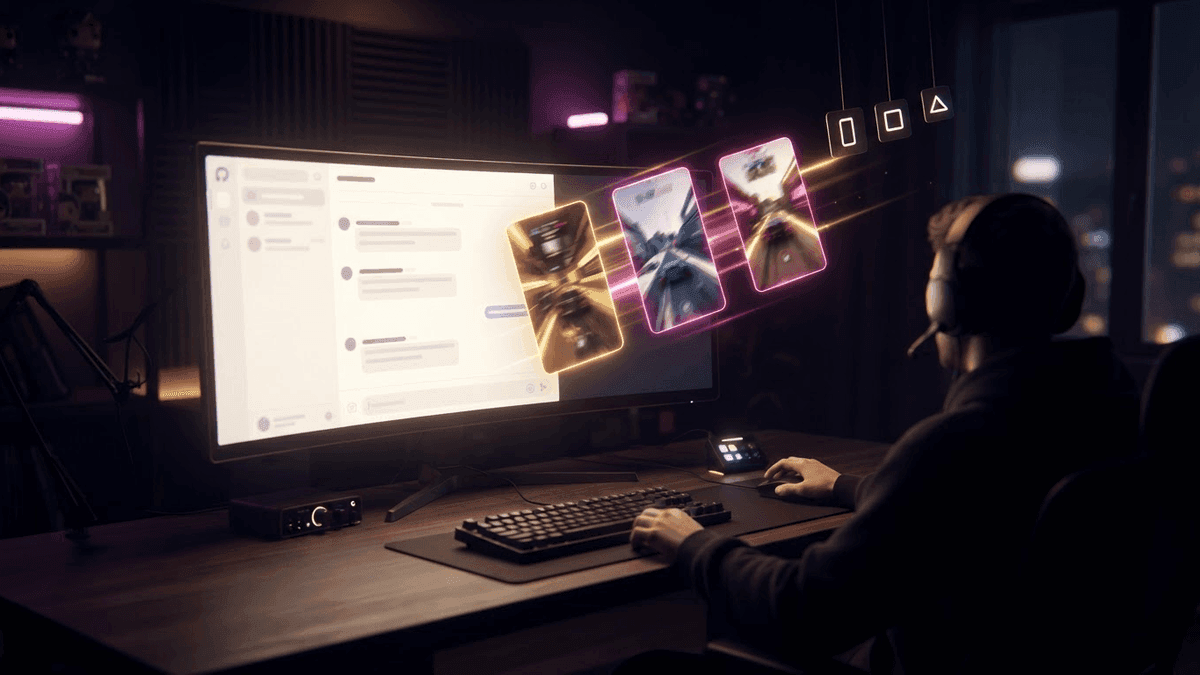
- O enquadramento. A stream é 16:9, o clip é 9:16. A IA separa a facecam do gameplay e remonta: cam em cima, ação embaixo, ou tela cheia na cam quando é reação. Numa stream sem facecam, ela segue a ação.
- As legendas. Animadas, palavra por palavra, sincronizadas com a transcrição da etapa 1. Dá pra ler sem som, que é como a maioria das views no TikTok acontece.
- O hook. Uma linha de texto no primeiro segundo, escrita a partir do que rola no clip. Ela dá um motivo pra pessoa não passar pro próximo.
- O ritmo. Um corte um segundo antes do gatilho, um final assim que a emoção cai, e às vezes um loop quando o final encaixa no começo.
Tudo isso se ajusta em um minuto num editor de clips quando a IA errou o enquadramento ou uma palavra. A ideia não é a perfeição automática, é começar de um clip 90% pronto em vez de uma timeline vazia.
Etapa 5: publicar
O último elo é a publicação. Clip parado numa pasta não serve pra nada. As ferramentas sérias publicam direto no TikTok, YouTube Shorts e Instagram Reels, com descrição, hashtags e horário. Aqui isso se chama AutoPilot: os clips validados são agendados e vão saindo enquanto você joga.
Por que as ferramentas de podcast erram no gaming
A maioria dos softwares de clipping com IA do mercado nasceu pro podcast: duas pessoas de frente pra câmera conversando por uma hora. Nesse formato, a transcrição basta. O momento forte é uma frase; o corte é uma pausa na fala; o enquadramento é o rosto de quem tá falando.
Stream não funciona assim. Um clutch muitas vezes rola sem uma palavra. Uma crise de riso não tem assunto. Uma reação de rosto não tem transcrição. O gameplay muda na tela sem ninguém comentar. Uma ferramenta que só lê frases entrega trechos de conversa e deixa na VOD exatamente o que o seu chat queria rever.
Por isso o primeiro critério de escolha, antes do preço, é: a ferramenta lê o som e a imagem, ou só a fala? Nosso comparativo de clippers com IA detalha esse ponto ferramenta por ferramenta.
O que a IA ainda deixa passar
Sendo honesto, tem momentos que nenhuma pontuação enxerga.
- As piadas internas. Uma referência que só a sua comunidade entende não tem nenhum sinal mensurável. Pra IA, é uma frase como outra qualquer.
- As tensões que crescem devagar. Uma tensão que sobe por dez minutos antes de explodir gera um clip que começa tarde demais. Um clip de 45 segundos não consegue contar dez minutos.
- Os momentos que precisam de contexto. "Ele conseguiu" só tem graça se você sabe o que ele tinha que fazer.
- As streams muito calmas. Sem ruptura, não tem sinal. Uma stream de tricô em voz baixa vai gerar poucos clips, e tá tudo bem.
Por isso a gente prefere a validação com um clique à automação no escuro: a IA sugere, você confirma em trinta segundos e adiciona na mão aquele clip que só a sua comunidade vai entender.
Como escolher seu software de clipping com IA
Cinco perguntas, nessa ordem:
- Ele lê o som e a imagem, ou só a transcrição? Testa numa VOD com um clutch em silêncio.
- As legendas são boas no seu idioma, sincronizadas na palavra certa?
- O recorte separa facecam e gameplay sozinho?
- Ele publica direto no TikTok, Shorts e Reels, ou você tem que baixar e repostar?
- Tem um plano grátis de verdade pra testar nas suas próprias lives?
O StreamClipping AI responde sim pras cinco, com uma ressalva honesta na primeira: som e transcrição são lidos em todos os planos, a passada de imagem roda no Pro e no Elite. Legendas animadas, recorte automático, AutoPilot e 15 minutos de vídeo grátis por mês pra sempre, sem cartão de crédito. Cola o link da sua última VOD da Twitch e tira suas próprias conclusões.
Leia também:
- Qual software de clipping escolher em 2026
- Como achar os melhores momentos da sua live pra clipar
- O que é clipping? Definição e como funciona
Feito com amor, por um streamer pra quem ama stream. Ragnarlebroc.