
You have seen the word everywhere. In YouTube titles promising $10,000 a month, in Discord announcements looking for clippers, in the stats of streamers explaining their growth. And yet, ask someone what clipping actually is, and the answer is usually vague.
I stream, I have clipped my own streams for years, and I have watched paid clipping campaigns since they started. Here is the complete definition, no useless jargon, with the real numbers and where to start depending on who you are.
Clipping, the definition
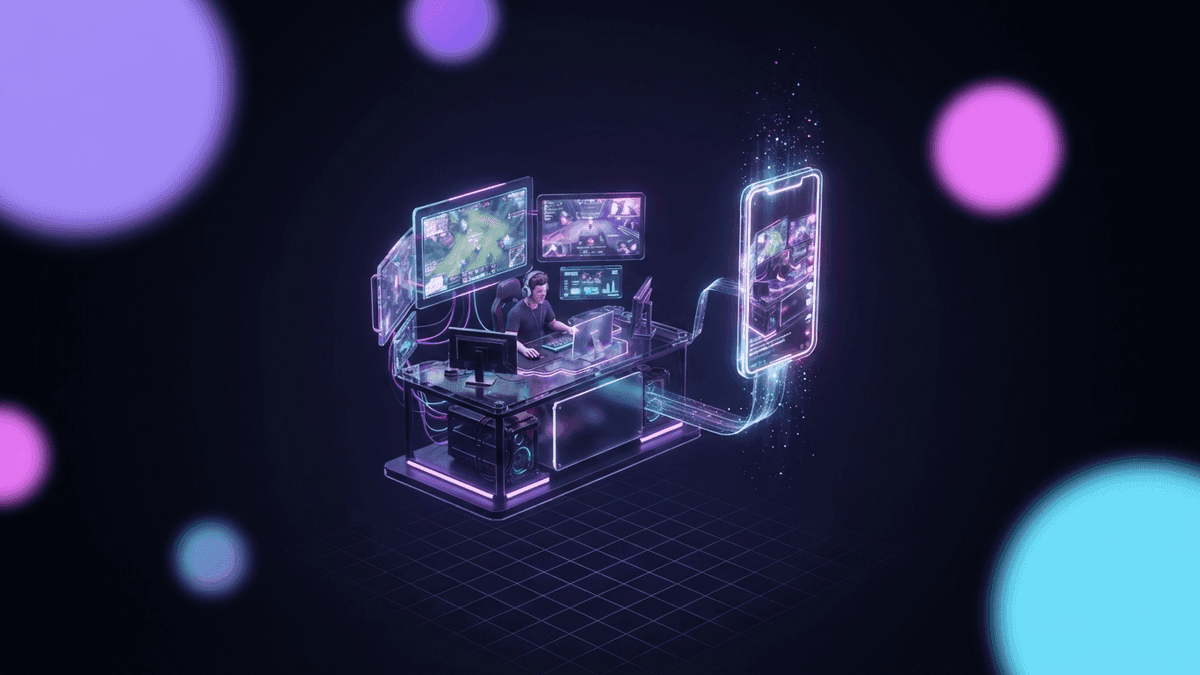
Clipping means cutting the best moments of a live stream or a long video into short clips, then posting them on the vertical platforms. The word comes from clip, the excerpt. In 2026, a clip means a 15 to 60 second video, in 9:16, with captions you can read without sound and a hook in the first second.
The raw material is the long video: a four-hour Twitch stream, a YouTube VOD, a podcast, a match. The destination is TikTok, YouTube Shorts and Instagram Reels, sometimes X.
Three words to know before going further:
- The clip: the short video that comes out of the cut.
- The clipper: the person who makes the clip and posts it.
- The CPM: the price paid per thousand views when clipping is paid.
Not to be confused with audio clipping, which is a sound that is too loud and distorts, or with the Twitch Clip button, which only produces a horizontal excerpt of 60 seconds at most, with no editing.
Where it comes from
The Twitch Clip button has existed since 2016. For years, clipping was just that: a viewer captures a funny moment, it goes around Twitter and Reddit, and that is it.
TikTok changed everything. From 2020 on, vertical streamer clips became some of the most watched content on the platform, often posted by accounts that did not belong to the streamer. Streamers understood it was their best front door: a clip that takes off reaches people who would never open Twitch on their own.
The next step was money. Big creators started paying teams of clippers per view, then platforms industrialized the model: Whop, then Vyro, launched by MrBeast in late 2025. According to Business Insider, the streamer N3on paid $1.4 million to 303 clippers over five weeks. Clipping became a job.
The three forms of clipping
People constantly mix up three things that do not have the same goal.
1. Clipping your own streams
This is the streamer's clipping. You cut your best moments to post them on your own accounts and bring viewers back to your next stream. The gain is indirect: discovery, followers, sponsors who see volume. It is the subject of our guide on how to clip a Twitch stream from A to Z.
2. Paid clipping per view
A creator or a brand puts up a budget and sets a price per thousand views. Clippers cut their content, post on their own accounts and get paid on the real views of their clips. This is the content rewards model. Our /discover directory lists those campaigns in one place, with the reward per 1,000 views and the brief.
3. Clipping campaigns for brands
On the advertiser side, a clipping campaign buys views at a set price, across dozens of accounts at once, with a brief and a right of review on the clips. For a game publisher, a gaming brand or an event, it is a media line of its own, with a cost per view known in advance. That is what our clipping campaigns page offers.
How it works, concretely
Whatever the profile, the cycle is the same. Five steps.
- Spot the moment. A chat spike, a shout, a laugh, a clutch, a punchline. Something that lasts 15 to 60 seconds and makes sense without context. Our article on the big moments to detect breaks down the signals.
- Cut short. The moment, not what surrounds it. Cut one second before the trigger, and stop as soon as the emotion drops.
- Go vertical. Facecam on top, gameplay below, or full frame on the cam when it is a reaction. The 9:16 guide covers the cases.
- Caption and hook. Animated word-by-word captions, a text hook in the first second. Without them, the clip gets scrolled past before it starts.
- Post and space out. TikTok, Shorts and Reels, one to three clips a day, never ten at once.
Done by hand, that cycle takes 30 to 60 minutes per clip. That is why most streamers give up after two weeks, and the reason AI clipping software exists.
Quer esses clips na sua vida?
O StreamClipping transforma suas lives em clips verticais prontos pra postar, com legendas animadas. Plano grátis pra sempre, 15 minutos de vídeo por mês, sem cartão.
What it pays
For a streamer clipping their own streams, the answer is indirect: more viewers on the next stream, more followers, proof of volume for sponsors.
For a clipper paid per view, here are the honest numbers, the ones we detail in how much do clippers actually earn:
| Profile | Pace | Realistic monthly earnings |
|---|---|---|
| Beginner (0 to 3 months) | A few clips a week | $0 to $100 |
| Consistent | 1 to 3 clips a day, 2 or 3 campaigns | $100 to $500 |
| Serious, running volume | Several accounts, several campaigns | $500 to $2,000 |
Listed CPMs range from $0.50 to $5 per thousand views. What actually lands is closer to $0.50 to $4, because almost every campaign has a per-clip view threshold (often 1,000 to 10,000) below which nothing is paid, and a cap on earnings. Read the rules before you work.
The tools
Three families, detailed in which clipping software to pick:
- The Twitch Clip button. Free, instant, but horizontal, uncaptioned and capped at 60 seconds. Fine in a pinch, unusable as is on TikTok.
- The manual editor. CapCut or DaVinci Resolve. Full control, in exchange for 30 to 60 minutes per clip. For those who love editing.
- AI clipping software. You drop the VOD or live link, the tool spots the moments, reframes to vertical, adds captions and a hook, and publishes. For everyone who wants consistency without burning their evenings.
StreamClipping AI is an AI clipping software built for streams, not podcasts: detection on audio and transcript (plus a frame analysis pass on the Pro and Elite plans), facecam and gameplay reframing, animated captions, automatic publishing to TikTok, Shorts and Reels, and a live capture that cuts clips while you are still streaming. The free plan gives 15 minutes of video per month, forever, no credit card.
Where to start
You are a streamer. Start with your own VODs. One stream, three clips, posted on a TikTok account in your name. Watch which ones hold attention, do it again the next week. The clipping guide gives you the protocol to warm up a fresh account without getting throttled.
You want to become a clipper. Open /discover, pick a campaign whose content you genuinely like, read its rules (platforms, threshold, cap), and post your first three clips. The become a clipper page explains how to connect your accounts and get paid.
You are a brand. The clipping campaigns page describes how it works, the price floors and the brief.
In all three cases, the first clip is the hardest. The tenth makes itself.
Also worth reading:
- How to make money clipping videos in 2026
- AI clipping explained: how the AI finds the viral moment in your stream
- Live stream clipping: how to clip while you are still live
Made with love, by a streamer for stream lovers. Ragnarlebroc.