
You stream for hours.Your YouTube channel stays empty.
Your streams turn into clips, and then nothing. Highlight turns them into long videos for your channel: either a best-of of your clips, or your whole stream tightened up. You choose, the AI edits.
- Two long videos, two needs
- No editing software
- Publish to YouTube from the app
Which one is for you?
- Starts from
- The clips you already have, the ones you tick.
- You get
- One video that runs them back to back, edited, with music.
- It's for
- Showing your month to the people who miss your streams.
- How often
- 1 a month on Creator, 1 every 2 weeks on Pro, 1 a week on Elite.
- Starts from
- One whole stream, 10 minutes or longer.
- You get
- The same stream without the dead air, 15 to 60 minutes.
- It's for
- Giving your stream a second life on YouTube.
- How often
- 1 a week, on Elite.
On Elite you get both, each with its own counter.
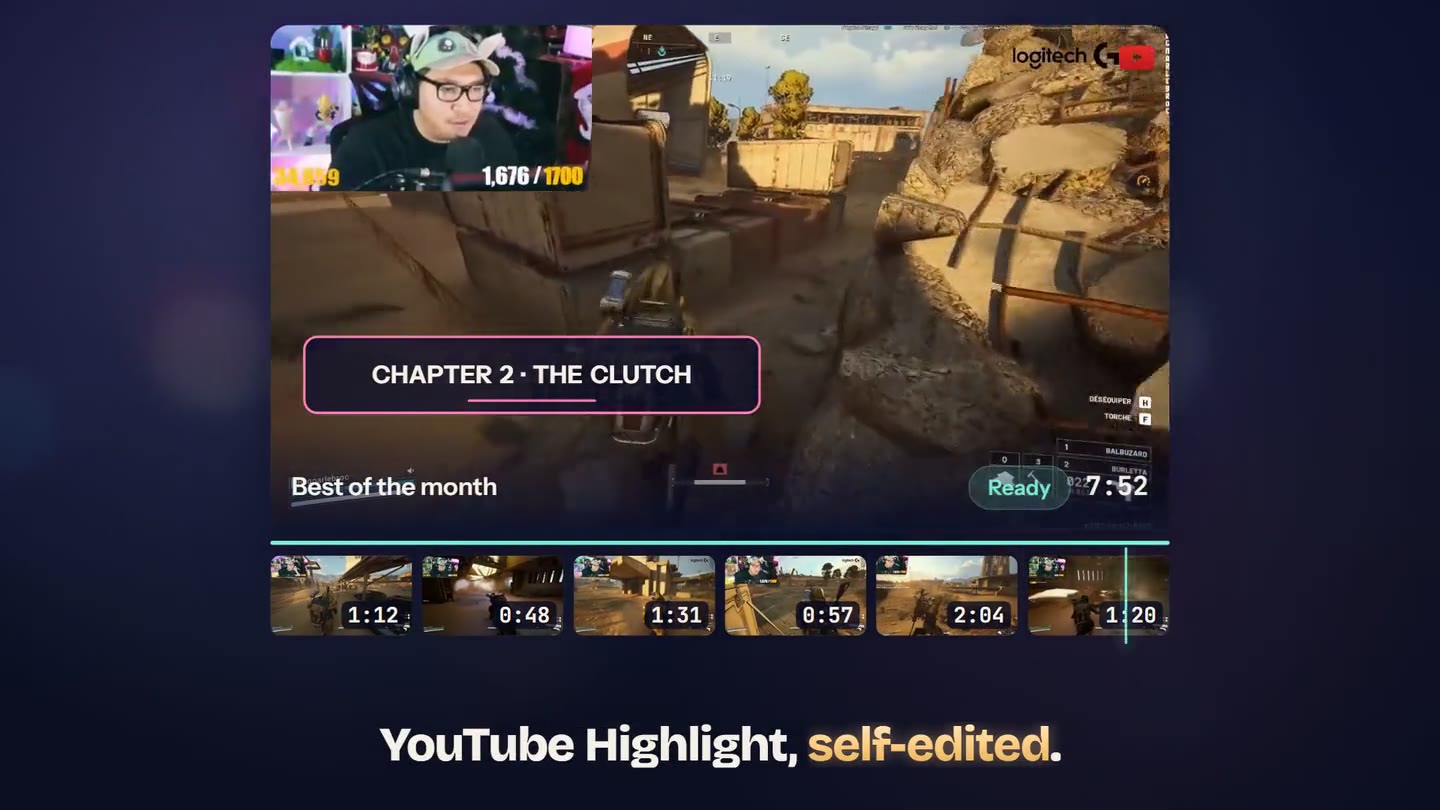
Your best clips, stitched together.
Your clips are already there, scattered around. The Best-of turns them into one video, with an intro, transitions and music. You stay in control of what goes in.
You tick your clips
We show you the month's clips, best rated first. Up to twelve are already ticked, you adjust. Between 10 and 20.
You pick the mood
Four ready-made moods, some music, and the shape: channel video or vertical video. Every setting can be changed by hand if the mood is not quite right.
You get the edited video
Intro, transitions, titles, music: it is edited. As a channel video, you publish it to YouTube from the app, chapters and thumbnail included.
Two things to know before you start: you need at least 10 finished clips in the month you pick, and a Best-of comes out in one shape only. Pick the channel video or the vertical one, not both.
Four moods.
- Punch
Gaming, clutches, reactions. Fast and loud.
- Clean
Podcast, interview, tutorial. Plain and readable.
- Arcade
Neon colours and slightly old TV picture. Nostalgic.
- Doc
Watch-along, calm storytelling. Almost cinema.
A royalty-free track sits under the edit, and the artist name shows on screen the way the licence requires. If you would rather have silence, you turn it off.
Your whole stream, tightened up.
The Best-of starts from your clips. The Condensed video does the opposite: it takes your stream from start to finish, drops the dead air and gives you a 15 to 60 minute video for your channel. It is your stream, only shorter.
You pick a stream
Any stream or VOD already in your account, 10 minutes or longer. You say how long you want the result to be, 15 to 60 minutes.
You approve the plan
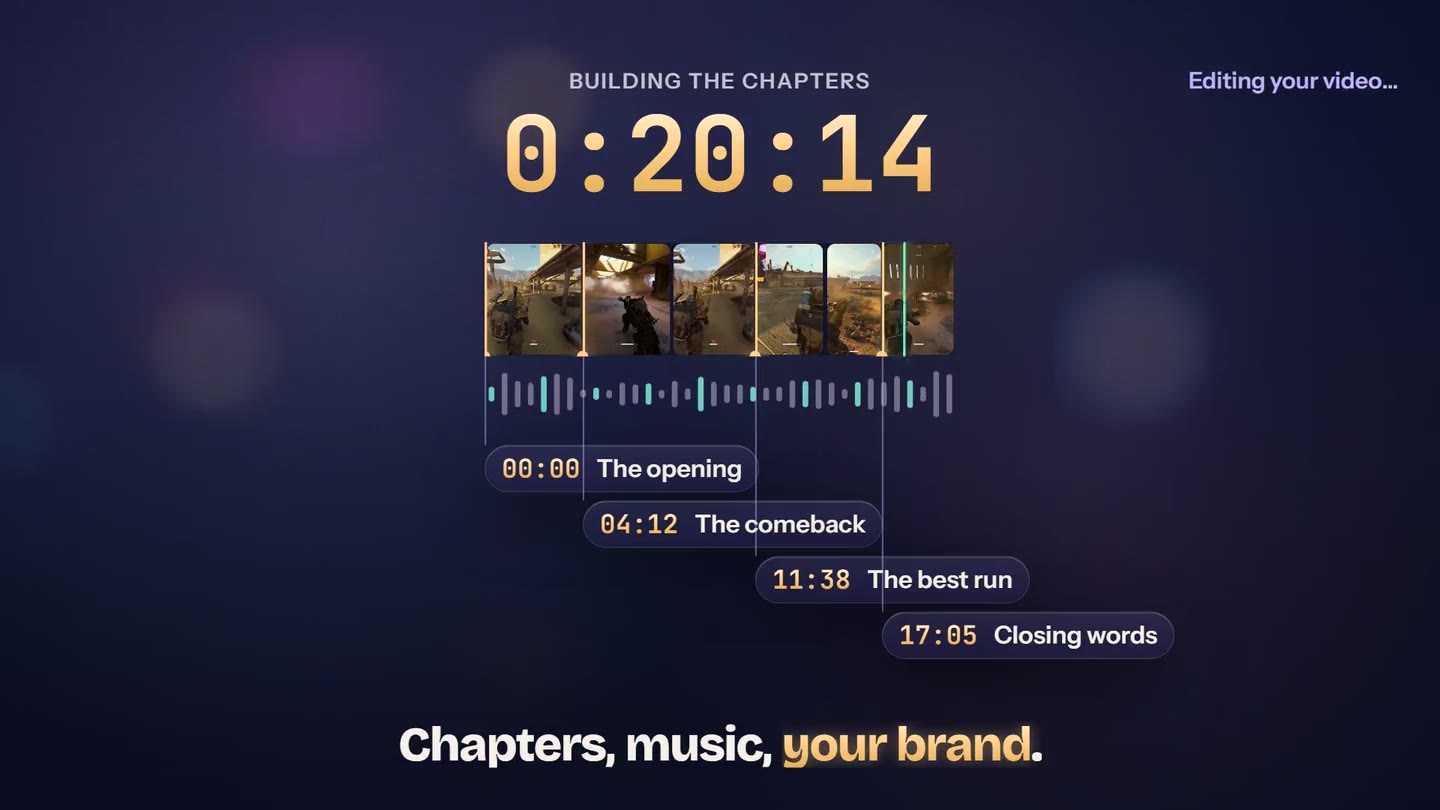
The AI cuts your stream into chapters and shows you what it intends to keep. You drop what you do not want, you rename, and the edit starts.
You publish
The edit runs on our servers and you get an email when the video is ready. If you publish to YouTube from the app, the chapters go with it.
The chapters of your stream
- 0:00Getting the night started
- 4:12The huge fail at the start
- 11:38The run that falls apart
- 19:05The 1 versus 4 clutch
- 26:40Going back over the game
Example chapters. They go into the description when you publish to YouTube from the app.
What you can add
- A voice-over: the AI writes the script, you read it on a teleprompter, your real voice goes over the edit.
- Six settings for your kind of stream: gaming, podcast, IRL, reaction, interview, or automatic.
- Eight themes, your colour and your channel name, kept from one condensed video to the next.
- An AI thumbnail, with two versions to test if you cannot decide.
The Condensed video needs a running Elite subscription: the 7 day trial does not open it. It comes out as a channel video, with no vertical version. And a stream under 15 minutes gives a shorter condensed video: we never stretch it.
What people ask most.
Your streaming hours deserve better than a folder of clips.
Best-of from the Creator plan. Condensed video with Elite.
Want the condensed version of your streams too?
Go Elite