Acabas de terminar un clip buenísimo. El momento es perfecto, la edición está limpia y piensas que un sonido bien puesto le va a disparar las views. Pero entonces abres YouTube o TikTok, subes el clip y 12 horas después: bloqueado. O peor, tu canal se lleva un strike. Bienvenido al maravilloso mundo de los derechos musicales.
La música en un clip es como la salsa en un platillo. Bien elegida, lo transforma todo. Mal elegida, te hace perderlo todo. Y en las plataformas de 2024, los algoritmos que detectan copyright se volvieron tan precisos que reconocen una canción aunque la pongas al revés y con un filtro encima. Así que mejor aprende las reglas del juego antes de que te castiguen.
Por qué la música hace enojar a las plataformas
Cuando pones una canción de Drake o de The Weeknd en tu clip, estás usando algo que le pertenece a alguien. El artista, el sello, la editorial. Esa gente tiene acuerdos con YouTube, TikTok e Instagram, y decide qué hacer cuando tu clip aparece con su música.
Hay tres escenarios posibles. Uno, no les importa y lo dejan pasar. Dos, monetizan en tu lugar: las views generan dinero, pero no para ti. Tres, bloquean el clip, a veces solo en algunos países, a veces en todos. Y si acumulas bloqueos, tu canal recibe advertencias. Tres strikes en YouTube y se acabó.
Lo traicionero es que también depende de la plataforma. El mismo sonido puede tolerarse en TikTok y borrarse al instante en YouTube Shorts. Instagram es otro mundo aparte. Así que si piensas publicar tu clip en todas partes, tienes que elegir un sonido que pase en todas partes.
Los sonidos realmente sin riesgo
Empecemos por lo que funciona seguro. Hay varias categorías de música que puedes usar sin estrés.
Las bibliotecas libres de derechos
Sitios como Pixabay Music, Uppbeat o la YouTube Audio Library te dan acceso a miles de canciones gratis. Puedes usarlas en todos tus clips, en todas las plataformas, sin que te bloqueen nunca. El catálogo es enorme y encuentras de todo: trap, lofi, cinemático, humorístico.
El único defecto es que algunos sonidos son súper conocidos y los vas a escuchar en miles de videos. Pero la verdad, nadie se va a quejar si tu clip es bueno. El sonido solo está ahí para apoyar la emoción.
Los sonidos nativos de TikTok e Instagram
En TikTok, cuando usas un sonido directamente desde la biblioteca de la app, estás cubierto. TikTok tiene acuerdos con los sellos para las cuentas personales. Pero ojo: si cambias a cuenta pro o business, la biblioteca disponible se vuelve mucho más limitada. Es la trampa clásica.
En Instagram, misma lógica. Los sonidos de Reels se pueden usar en cuentas de creador. Pero si tienes una cuenta profesional de empresa, pierdes acceso a la mayoría de los sonidos populares.
La música comprada con licencia
Si vas en serio y clipeas seguido, suscribirte a Epidemic Sound, Artlist o Musicbed te da acceso a un catálogo grande y de calidad. Pagas entre 10 y 20 euros al mes y te olvidas del problema. Estas plataformas te dan una prueba de licencia que puedes enviar si algún clip se bloquea por error.
Los sonidos riesgosos pero no necesariamente prohibidos
Ahora, la zona gris. Porque seamos honestos: la mitad de los clips que explotan en TikTok usan sonidos comerciales. ¿Cómo le hacen?
Los fragmentos muy cortos
Un sonido de 3 a 5 segundos muchas veces pasa desapercibido. No siempre, pero muchas veces. Los algoritmos de detección están configurados para reconocer duraciones mínimas. Si tomas solo el drop de una canción para remarcar una jugada, tienes chances de que pase.
Los sonidos en tendencia
Un sonido que explota en TikTok lo usa todo el mundo. Las plataformas suelen dejarlo pasar porque eso mantiene viva la app. Pero en cuanto intentas subir ese mismo clip a YouTube, boom, bloqueado. Un sonido en tendencia de TikTok se queda en TikTok.
Los remixes y versiones aceleradas
Algunos creadores aceleran la música entre 5 y 10 por ciento pensando que engañan a los algoritmos. Eso funcionaba hace 3 años. Hoy, los sistemas de detección reconocen las canciones aunque estén modificadas. No pierdas tu tiempo.
¿Quieres estos clips en tu vida?
StreamClipping convierte tus directos en clips verticales listos para publicar, con subtítulos animados. Plan gratis de por vida, 15 minutos de vídeo al mes, sin tarjeta.
Cómo elegir el sonido correcto para un clip
Ya que vimos qué está permitido, hablemos de lo más importante: qué sonido le sirve de verdad a tu clip.
Un clip de rage en un juego competitivo pide un beat que vaya subiendo, algo intenso. Un clip chistoso necesita un sonido que resalte lo absurdo, un meme sonoro, un efecto gracioso. Un clip emotivo o de una gran jugada merece un fondo más tranquilo, casi cinemático.
El sonido tiene que acompañar la emoción, no robársela. Si tu clip dura 30 segundos con un pico fuerte en el segundo 15, tu música tiene que acompañar esa subida. Un drop que cae justo en el momento correcto es lo que convierte un clip decente en un clip viral.
Y sobre todo, el sonido nunca debe tapar tu voz ni la del juego. La gente quiere escuchar tu grito de victoria o tu insulto legendario. La música se queda de fondo, entre 20 y 40 por ciento del volumen principal.
El workflow que te ahorra tiempo
Cuando clipeas mucho, no puedes pasar 20 minutos buscando un sonido para cada video. Así es como te puedes organizar.
Primero, armate una pequeña biblioteca personal de 15 a 20 sonidos libres de derechos que te gusten, ordenados por ambiente. Trap, chill, chistoso, épico. Vas a sacar de ahí cada vez.
Después, cuando edites tu clip, piensa en el formato final. Si es solo para TikTok, puedes darte el lujo de usar un sonido en tendencia de la biblioteca nativa. Si apuntas a varias plataformas, quédate con lo libre de derechos.
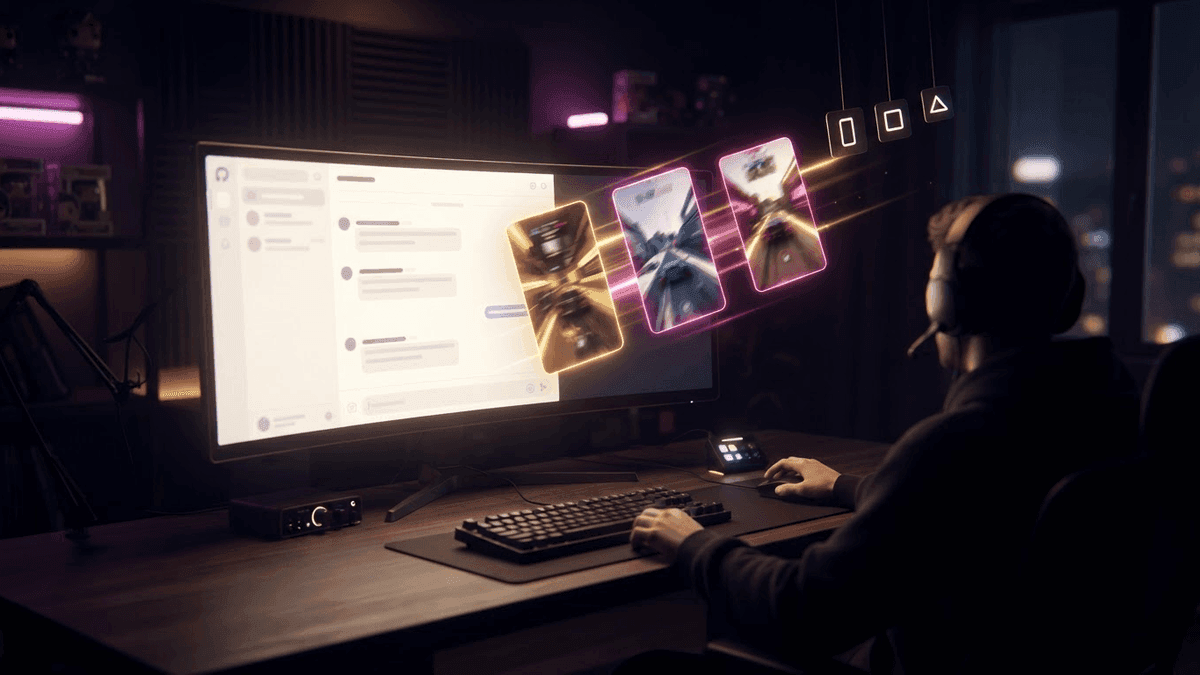
StreamClipping AI te saca los mejores momentos de tu stream directamente en formato vertical 9:16 con subtítulos animados. Solo te queda elegir el sonido correcto y publicar. Ganas horas cada semana y puedes probar varios sonidos distintos para ver cuál funciona mejor.
Qué hacer si te bloquean un clip
Pasa, incluso teniendo cuidado. Un clip recibe un bloqueo o un claim. Tranquilo.
Si el bloqueo es justo porque usaste un sonido comercial, simplemente quita el clip y vuelve a subirlo con otro sonido. No lo impugnes, vas a perder.
Si crees que es un falso positivo, por ejemplo usaste un sonido de Epidemic Sound y aun así le cayó un claim, envía la prueba de licencia por el formulario de disputa. Normalmente se resuelve en pocos días.
Y vigila tu contador de strikes. Con dos advertencias, pasa a modo ultra prudente. Con tres, el canal se cae.
En resumen
La música hace o deshace un clip. Usa sonidos libres de derechos o las bibliotecas nativas de las plataformas para estar tranquilo. Evita las canciones comerciales grandes si quieres publicar en YouTube. Armate una biblioteca personal para ir rápido. Y recuerda que el sonido está para servir al clip, no al revés.
Puedes probar StreamClipping AI gratis: 15 minutos de video al mes de por vida, sin tarjeta de crédito.
Para seguir aprendiendo:
- El formato vertical 9:16 explicado fácil
- Cómo agregar subtítulos animados a tus clips
- Cómo clipear tu stream de Twitch de forma eficiente
Hecho con amor, por un streamer para los amantes del stream. Ragnarlebroc.