You spent three hours live. You pulled the clip of the year, the one where the whole chat lost it. You post it on YouTube and it gets 40 views. Brutal. Most of the time, the problem isn't the clip. It's the little image people see before they click: the thumbnail. That's what decides if someone stops or keeps scrolling. Good news: you don't need to be a designer. With a solid stream screenshot and seven simple rules, you can seriously level up your thumbnails and boost your YouTube CTR, which is just the percentage of people who click when your video shows up in front of them.
Why your thumbnail matters as much as your clip
On YouTube, nobody sees your clip before they click. People see an image and a title. That's it. If the image doesn't pull them in, your best stream moment stays invisible.
And it goes further. YouTube tracks how many people click your video when it recommends it. Few clicks? It shows it less. Lots of clicks? It shows it to even more people. It's a snowball effect.
Quick example. YouTube shows your video to 1,000 people. With a bland thumbnail, 2% click, so 20 views. With a clean, strong thumbnail, 6% click, so 60 views. Same clip, three times the viewers. And since YouTube sees it's working, it keeps pushing it.
So a good streamer YouTube thumbnail is the first lever to make your clips take off. Here are the seven rules I use.
Rule 1: pick the right stream screenshot
Everything starts with the base image. A great Twitch clip thumbnail starts with a screenshot grabbed at the right moment.
The usual move is to grab the first frame you see. Bad idea. Open your clip and go frame by frame around the big moment. You're hunting for the exact second when the emotion peaks.
Example: you're making a rage clip on Elden Ring. Don't grab the frame where the boss hits you. Grab the one where your mouth is wide open and your hands are on your head. Your reaction tells the story, not the game.
Another big one: avoid blurry frames. Mid-action, screenshots are often smeared. Go back or forward a frame or two to find a sharp one. On a phone, blur shows instantly and looks amateur.
Rule 2: your face, big
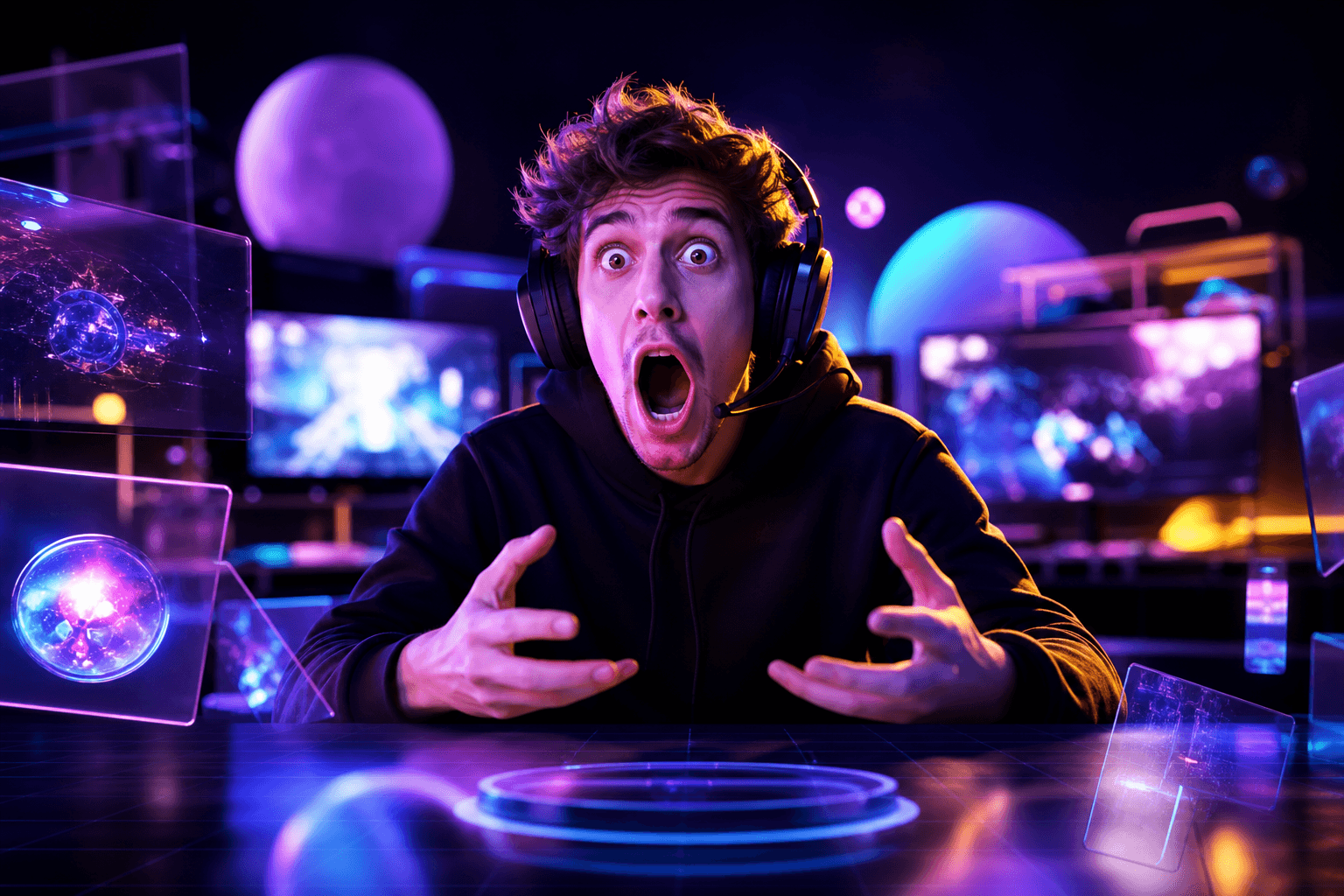
Our eyes are drawn to faces. It's automatic. A thumbnail with an expressive face grabs more attention than one with nobody in it.
The problem with stream screenshots is your facecam is tiny. It sits in a little corner of the screen. In your thumbnail, crop it and blow it up. Your face should take up at least a third of the image.
And the emotion has to read clearly. Shock, fear, laughing your head off, disgust. A blank face makes nobody want to click. If your facecam capture is low quality, don't panic: lots of streamers take a separate photo of themselves with the same expression, just for thumbnails. It's sharper and it works really well.
Stream without a camera? Feature your character, a scary enemy or the key item from the clip. Same idea: one clear subject that catches the eye.
Rule 3: contrast first
Most people see your thumbnail on a phone, super small. If the colors blend together, nobody gets what they're looking at.
It's even worse with dark games. A horror game clip is often an almost black image. Brighten it, bump the saturation a bit, and add a white or yellow outline around your face to pop it off the background.
For a thumbnail design that works, play with opposite colors too: yellow on blue, white on dark red, bright green on purple. It hits instantly.
My favorite test: look at your thumbnail really small, step back from your screen and squint. If you can't recognize the main subject anymore, you need more contrast.
Rule 4: three words max
Text on a thumbnail is a trap. You want to explain everything. Result: an unreadable sentence nobody reads.
The simple rule: three words max, sometimes one is enough. And above all, don't repeat your title. Title and thumbnail should work together.
Example. Your title says "I Beat Malenia First Try". On the thumbnail, you just write "1 TRY?!". The title explains, the thumbnail teases.
A few practical tips:
- Use a thick, bold font that's easy to read small.
- Add a black outline around the letters so they pop on any background.
- Avoid the bottom right corner: YouTube puts the video length there, and it would cover your text.
Want these clips in your life?
StreamClipping turns your streams into vertical clips ready to post, animated captions included. Free plan for life, 15 minutes of video a month, no card.
Rule 5: one subject per thumbnail
A raw stream screenshot is usually packed with stuff: chat, follow alerts, your overlay, the minimap, the health bar, ammo, the game name. All of that is noise.
A good gaming thumbnail shows one thing. A face and one game element, max. Crop or blur the rest.
Fortnite example: your screenshot shows your character, the minimap, the kill feed and three sub alerts. Crop to your character and the opponent you just eliminated, remove everything else, add your shocked face on the side. You go from a messy image to a scene people get in one second.
Before you lock it in, ask yourself: can someone get the subject in one second? If not, remove something else.
Rule 6: ask a question, don't give the answer
Thumbnails that get clicks build curiosity. They show the moment right before the payoff. The viewer clicks to see what happens next.
On an Among Us clip, show your shocked face the moment your best friend gets accused, not the vote result. On a Minecraft fall clip, show the drop under your feet, not the death screen.
A red arrow or circle can help point the eye at a detail. But go easy on it, or everything starts looking like an ad.
Just don't lie. If your thumbnail promises something that's not in the clip, people leave after a few seconds. YouTube notices and stops recommending your video. Curiosity, yes. Clickbait lies, no.
Rule 7: keep a recognizable style
When someone liked one of your clips, you want them to spot the next ones at a glance, even buried among dozens of other videos.
For that, keep the same markers every time: same font, one or two signature colors, your face often in the same spot. A streamer might always put a yellow outline around their head and white text in the top left. After five or six videos, that becomes their signature.
The easiest way is to build a template in a free tool like Canva. Keep the layout, just swap the screenshot and the words. Then a thumbnail takes you 10 to 15 minutes instead of an hour.
And to free up even more time, let tools handle the repetitive stuff. StreamClipping AI spots the best moments in your streams and gives you vertical clips with captions, ready to post. You focus on what makes the difference: a great thumbnail and a great title.
Test your thumbnails with simple A/B tests
Even with all these rules, you can't know for sure which thumbnail will win. The only way to find out is to test.
An A/B test is simple: you put up two or three thumbnails for the same video and see which one gets more clicks. YouTube now has a feature for this in YouTube Studio called "Test & Compare". You add up to three thumbnails, YouTube shows them to different people and automatically keeps the winner.
If you don't have access to that feature yet, do it manually. Leave your thumbnail up for two or three days, note your click-through rate, then swap it and compare over the same period.
Two rules so your tests actually mean something:
- Change only one thing at a time. For example, same image with different text. Otherwise you won't know what made the difference.
- Wait until you have enough views. On a small channel, you often need a week before drawing any conclusion.
To track all this, check the number called "impressions click-through rate" in your analytics. For a gaming channel, 2 to 10% is normal. If you go from 3 to 5% just by changing your thumbnail, that's a huge win.
Real example: a streamer tests two versions of the same thumbnail. One says "INSANE", the other says "0 HP?!". The second one wins by a mile, because it says something specific. Vague words rarely get clicks.
TL;DR
A good clip thumbnail is a sharp screenshot grabbed at the right moment, your face big with real emotion, strong contrast, three words max and one subject. Build curiosity without lying, keep a recognizable style and test your ideas instead of guessing. Apply these rules to your next five clips and compare your numbers.
You can try StreamClipping AI for free, with 15 minutes of video per month for life, no credit card needed.
Keep reading to go further:
- YouTube Shorts for Streamers in 2026: The Complete Guide
- Write a Catchy Title for Your Clips
- Understand Your Clip Analytics
Made with love, by a streamer for people who love streaming. Ragnarlebroc.